
SAML 2.0 - Single Sign On Setup
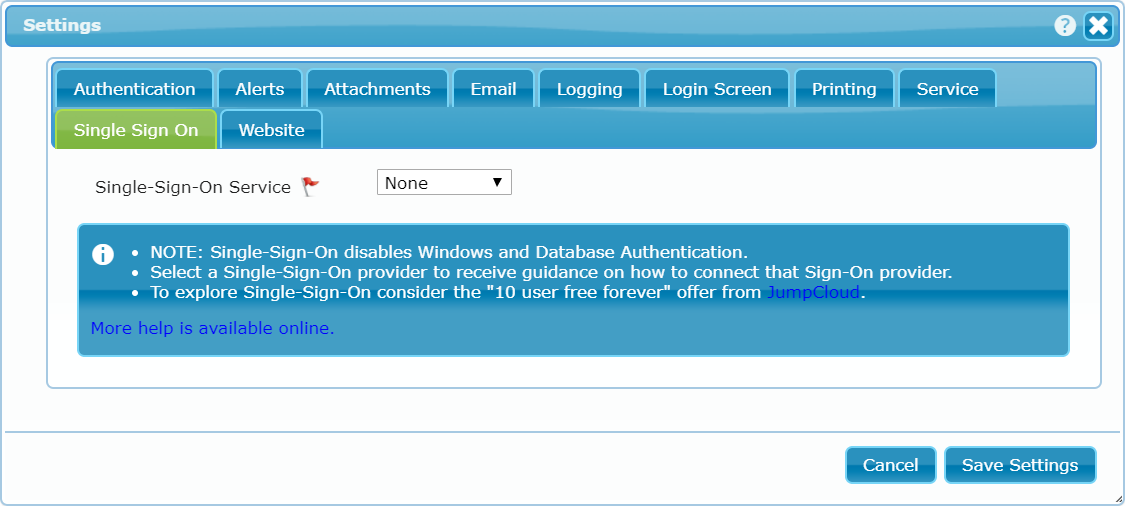
dbFront supports a variety of different SAML 2.0 vendors. The options are generally the same, but dbFront will use the vendor selection to provide customized help or additional vendor specific options. The screen to the right is shown if no vendor is selected.
Once a type or vendor is selected, dbFront will show the configuration fields. The screen below shows the vendor JumpCloud with some suggested settings. Clicking on the help link will show the vendor-specific help.
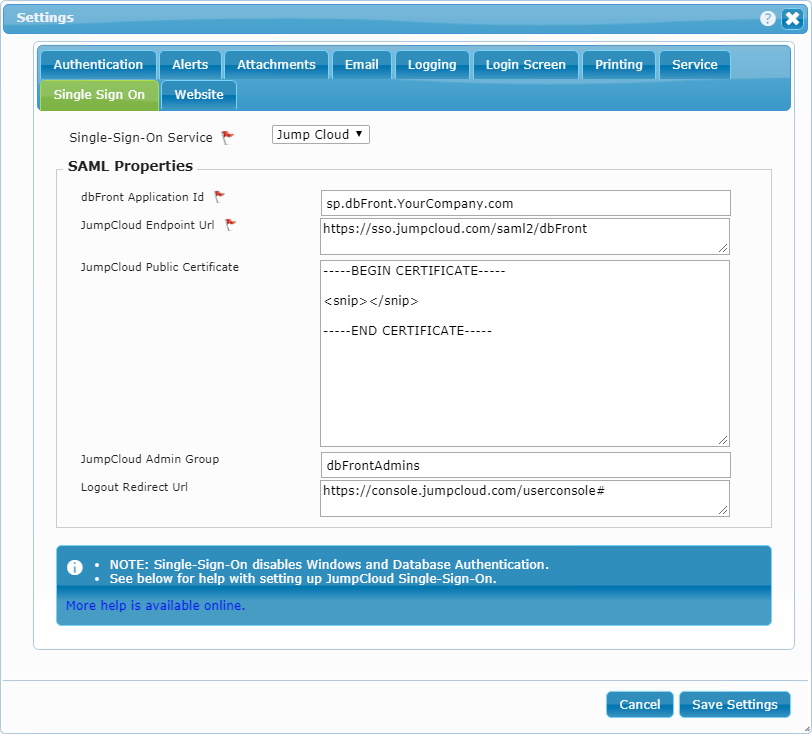
- dbFront Application Id: Vendor unique and often vendor specified ID for your application.
- Vendor Endpoint URL: Vendor hosted and often application-specific URL to the authentication service for your application.
- Vendor Public Certificate: If specified, this vendor provided certificate is used to validate vendor authentication responses.
- Vendor Admin Group: The user group set up at the SSO intended for Admin users. All members of this group will be given Admin access to dbFront.
- Logout Redirect URL: dbFront will redirect users to this URL when they log-off from dbFront.
NOTE: dbFront purposely does not log-out from the entire SSO session. It only closes the dbFront session and redirects the user to the specified URL.
For more details on SAML 2.0 Identity Providers (IdP), see:
Vendor-Specific Setup instructions
The following vendor-specific instructions are provided for your convenience. The SSO implementation in dbFront is SAML 2.0 compliant so most vendors are supported even if specific instructions are not provided.
For complete instructions on completing the dbFront Single-Sign-on setup see: Single-Sign-on
Trouble Shooting
For a list of Single-Sign-On issues and answers see: Single-Sign-On Questions